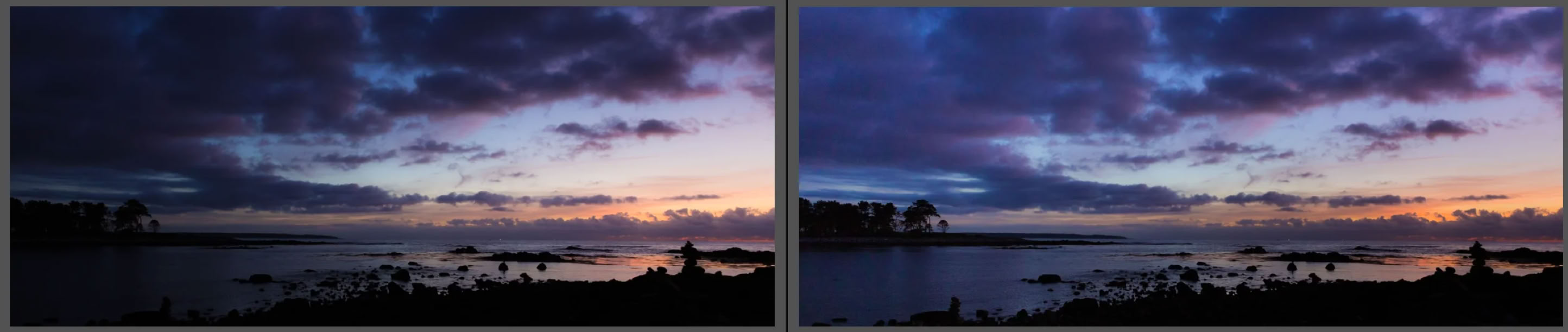
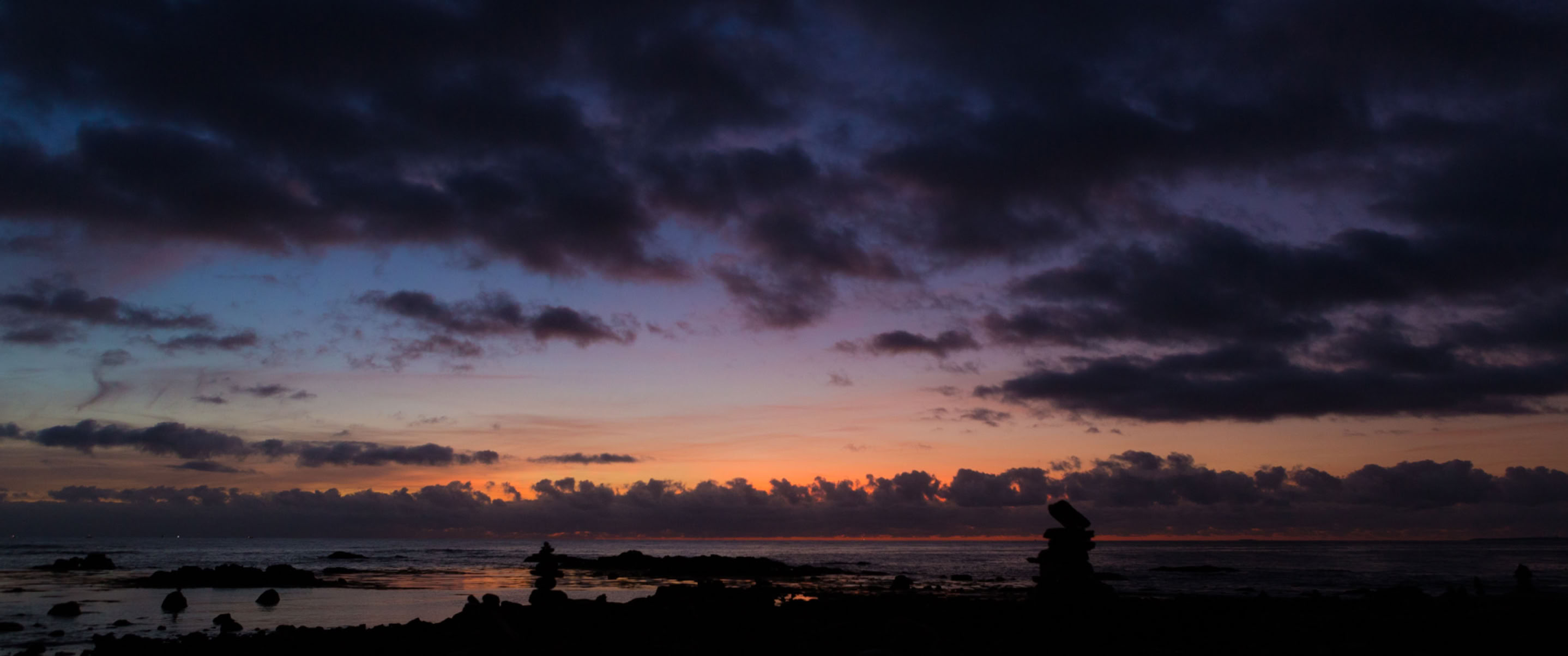
You may have noticed that we have quite a wide variety of offerings to help you learn the fine art of photo editing, and maybe you've wondered where you should start. Or maybe you've felt overwhelmed by the choices and wondered if it was even worth bothering with this aspect of photography. I can answer that with an emphatic yes. I've rarely taken a photo that didn't need at least some editing. Something as simple as cropping an image a bit to make sure your subject is perfectly placed in the frame or tweaking the exposure just a bit to breathe light and life into a scene can make a huge difference. Having more advanced skills to remove distracting elements from a scene or to make the light on your subject different from the background lighting can be the difference between a good image and a great one. Editing is where you pan for gold, so to speak, and polish it up into something truly stunning.
As to where you should start in terms of what we offer at C1M, there's no hard and fast rule, but I can offer a little bit of guidance that may make it easier for you to decide which editing education is right for you.
If you simply can't wait to start getting answers to your burning editing questions, we have you covered. We designed our Adobe Lightroom - Getting Started video series with immediate access in mind. This four video series will help you learn how to get images into Lightroom, how to get around in the program, and how to get back out. It's not a deep dive, but it will do exactly what it says: get you started. With the video series, your learning is self-guided and self-paced, and once you have access, it’s yours to keep, so you can rewatch as often as you wish.
A couple of times a year, we offer a Lightroom workshop. Lightroom Classic is a workhorse of an editing tool, and it can be a huge help in organizing your photo catalog, too. The workshop is targeted towards people who haven't taken our editing courses and are looking for a good introduction to Lightroom Classic and its capabilities, with some in-person guidance along the way.
New this fall, we're offering Photo Editing Light. This 3-week course focuses on Lightroom Creative Cloud. Lightroom CC isn’t quite as complex as Lightroom Classic, and there are still some very powerful tools there to help you polish up your photos and turn them into shareable, wall-worthy works of art.
For a deep dive into photo editing, we have our series of three photo editing courses. They are cleverly named: Photo Editing 1, Photo Editing 2, and Photo Editing 3. In Photo Editing 1, we cover setting up Lightroom Classic to work well for you and talk about how to get in, get around, and get out cleanly. We also begin learning some of the basic editing tools Lightroom Classic offers -- those adjustments you might want to make on almost every photo you intend to print or to share digitally.
In Photo Editing 2, we pick up that thread, weave through some of the more advanced functions of Lightroom, and cover how Lightroom Classic and Photoshop work together. We'll discuss the basic editing tools Photoshop offers and make sure your awesomely enhanced images end up where you expect them to be. Because it's pretty frustrating to create a fabulously edited image and then lose track of it in your computer's file system.
With Photo Editing 3, we focus almost entirely on advanced Photoshop techniques. Photoshop is really the power tool of photo editing, and as with any power tool, if you don't know how to use it well, you can make quite a mess. Photo Editing 3 is where we explore how to push the envelope a bit without going over the top. Skillful editing should always be a whisper rather than a shout, and achieving that balance can take a bit of practice.
And practice is where our once-a-month Tweak and Toast sessions come in. You can think of this as the lab session of photo editing. Because knowing the tools and how to use them is essential, of course ... but what truly takes the most time is learning when to use them. In our evening Tweak and Toasts, we look at unedited images and try to help you see what they could become with the right editing adjustments. The tricky part is there is no one right answer, necessarily. It depends on the story you want the image to tell and on how you want to express your artistic vision. In the Tweak and Toast, you get to take your knowledge of the practical aspects of editing and apply them to turn your images into stunning works of art.
Hopefully, you can see how the various options fit together, and knowing that will help you choose your editing adventure. If you have questions, there is lots more information available on our website ... and we're never more than an email or phone call away. We love helping people.