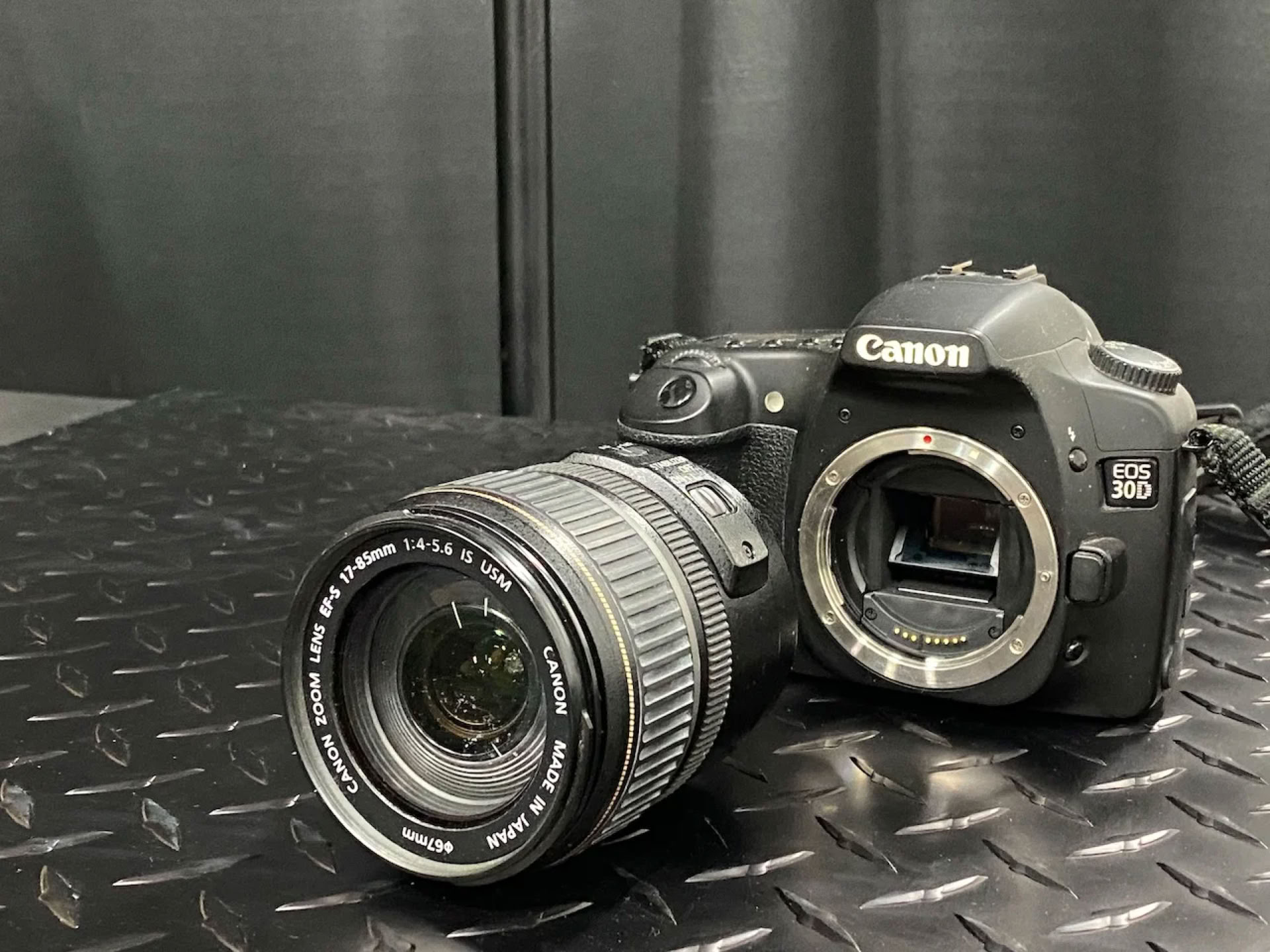
Tell me if this scenario sounds familiar to you: you've invested in a great camera that you've been using for a while with pleasing results, but suddenly, you begin to notice spots and blots in your images that weren't there before and that are not a part of the scene you were photographing. I know I've been there, and I bet that most photographers have: the dreaded condition of having dirt of some kind inside your camera. A smear or smudge on the outside of a lens is annoying and best avoided, of course, but it's relatively easy to deal with so long as you have a microfiber cloth and a gentle touch. Same for the touchscreen, if you have one, on the back of your camera body.
Dirt or lint inside your camera body or inside a lens is a different matter entirely. As noted above, a good camera is an investment, and caring for it properly is vital to keeping it in good working order for as long as possible. If, despite your best efforts at keeping lens covers on lenses you're storing and the opening into your camera body capped as appropriate if you don't have a lens on it, you still find some dirt has worked its way in, here's what I recommend.
First and foremost, avoid the temptation of sticking your fingers in there. Or a clean cloth, a Q-tip, or a tissue. There are delicate mechanisms inside both your camera and your lens, and they are easily damaged with improper handling. Besides which, fingers can leave behind skin oils, and fabrics can leave behind lint, so even if you avoid physically damaging the internals, you may introduce more debris than you dislodge.
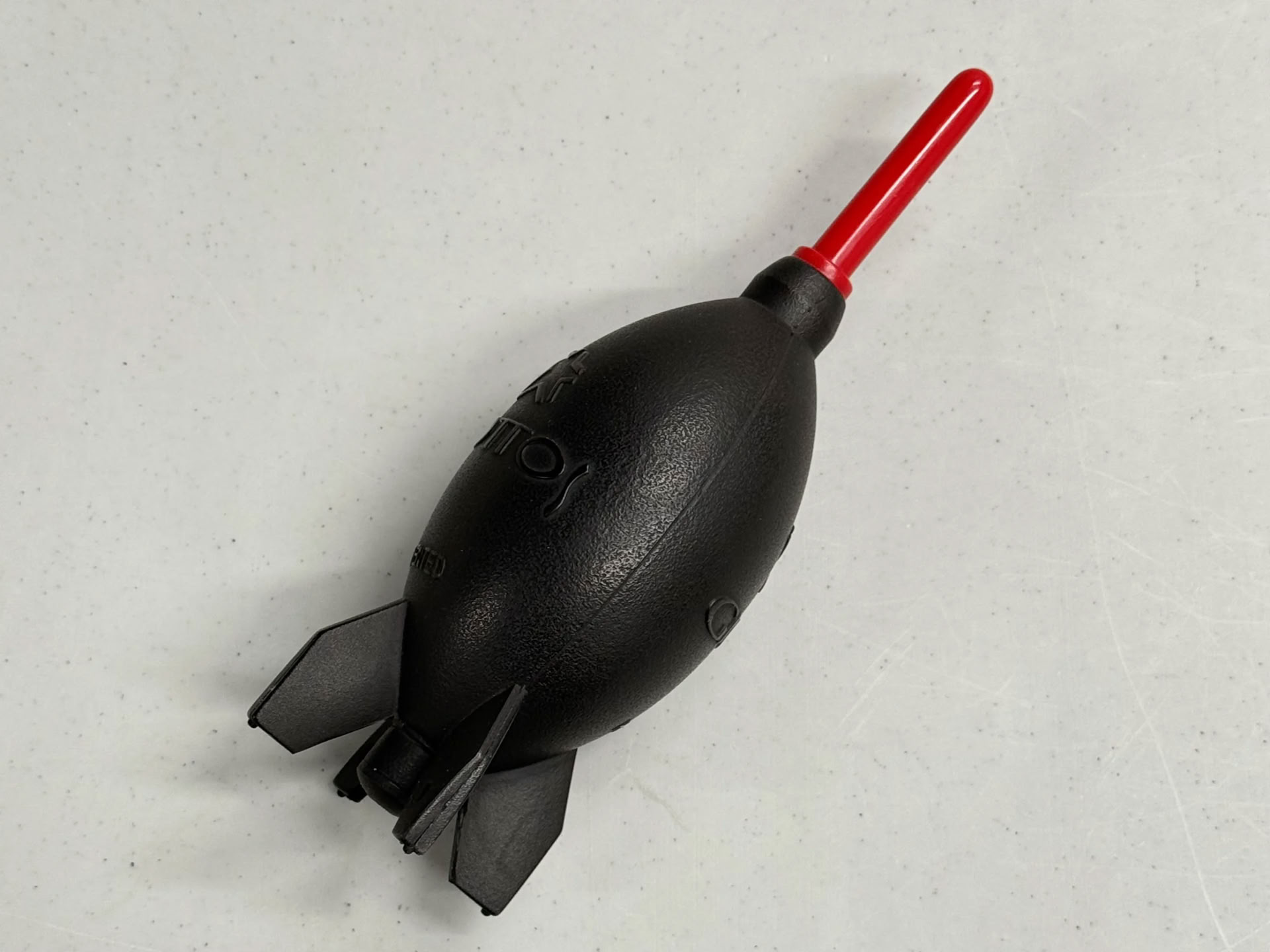
The best thing you can do is remove the lens from the camera body, turn the camera so that the opening where the lens attaches in parallel to the floor, and use a rocket puffer to gently knock debris loose so that it can fall to the floor.
The watchword here is "gently." Canned or compressed air will produce too much force; this is a case where more is definitely not better. The same goes for the good old-fashioned "blow on it" method. This is an easy way to inadvertently produce too much force ... not to mention that your breath will introduce moisture into the camera, which is not good, either. The same procedure applies to lenses: hold the lens so that the opening is parallel to the floor, and use a rocket puffer to gently blow debris away.
If this method doesn't solve the problem, my strong recommendation is to send the camera or lens in for service by the manufacturer. It is true that you can buy so-called professional camera cleaning kits that contain various lotions, potions, and spells. In my experience, kits like this have, on occasion, been known to make the problem worse. Some stores where you can purchase cameras offer camera-cleaning services, and while that may be cheaper sometimes than the services offered by your camera's manufacturer, remember that "you get what you pay for" is a saying for a reason. The manufacturer is better equipped to truly understand the operation of your camera or your lens, have the tools needed to clean it safely, and have the parts on hand to make repairs if they are needed. As we've said — and as you no doubt know — high quality cameras and lenses are investments, and they are worth protecting so they can keep bringing you the joy of creating stunning works of art for as long as possible.